How to Make an AI Adult Short Drama
A series runs dozens of episodes, and you build them one at a time. This is how a single episode goes from three written beats to finished vertical video, and where it usually breaks.
What Counts as One Episode
A vertical short drama is a serialized story rather than a single clip. Published series commonly run forty to a hundred episodes, and one episode lands somewhere between sixty seconds and three minutes. Nobody sits down to make the whole thing at once. You make episode one, then the next, and the series is whatever survives that pace.
Nothing in this guide involves a real person. Every character in a short drama you build on aiporn.net starts as a generated image, and the whole workflow assumes fictional adults.
The Three Beats of an Episode
Vertical drama converged on a repeatable shape, and it is the same three beats whether the episode is sweet or vicious. Write these three lines before you generate anything.
- 01Hook
Open on conflict
The first few seconds decide whether anyone stays. Start inside the argument, the reveal, or the question. Setup is the part you cut.
- 02Turn
Change one thing
One emotional reversal per episode, not a full act: a confession, a betrayal, a name nobody expected. Two turns in ninety seconds and neither of them lands.
- 03Cliffhanger
Stop before the answer
Cut on the moment of maximum tension. The unresolved question is the only thing selling the next episode, and answering it here gives the viewer permission to leave.
Why Prompts Alone Will Not Hold a Face
Ask a text prompt for the same woman twice and you get two different women. Description is not identity, and no amount of extra adjectives closes that gap. What holds a character together across an episode is a picture you generated once and keep handing back to the model.
Shots run a few seconds each because the format moves that way, not because the model runs out of road. Vertical drama cuts fast to keep the story advancing. A generation here gives you fifteen seconds to work with, or thirty when a shot needs room to breathe, and most of the time you will use far less.
Build Your Assets Before the First Shot
Short drama production front-loads everything reusable. Before a single clip exists you want a small library that every shot in the series draws from.
- A character sheet. One clean generated image of each character's face and build, made on the vertical 2:3 option so the whole episode inherits that shape. Every later reference traces back to this file.
- Variants of that same character. The same face in each location and outfit the episode calls for, generated from the character sheet instead of written from scratch. Each variant becomes the reference you attach when you animate that scene.
- The locations and props that repeat. A bedroom, a car interior, the necklace that matters in episode four. Reusing one generated image of each keeps the world from redecorating itself between cuts.
- A naming scheme you can live with. Past a few episodes the reference folder is the production, and a file you cannot find is a character you cannot reuse.
Building One Episode, Step by Step
With the beats written and the assets built, the episode itself is assembly. Eight to fifteen shots, generated one at a time, then cut together.
- 01
Write the three beats
One line each for the hook, the turn, and the cliffhanger. Everything downstream is an attempt to shoot these three sentences, so it pays to get them sharp before anything renders.
- 02
Generate the character sheet
Produce one clean image of each character on the vertical 2:3 option and judge the face at full size before going further. Everything after this inherits whatever you accept here, so regenerate until it is the one you want.
- 03
Make the scene variants
From that sheet, generate the same character in each location and outfit the episode needs. These variants are what you attach as references later, and they are how a face survives a wardrobe change.
- 04
Animate shot by shot
Break the beats into eight to fifteen one-line shots, attach the matching variant to each, and describe a single motion. Expect two or three takes on the shots that carry the face, and keep the best one.
- 05
Cut, caption, and stop early
Order the shots, trim the soft tail off each, and end on the cliffhanger. Burn in captions while you are there, because the format assumes them. A minute to three minutes of finished video is the target.
Which Tool for Which Shot
One episode usually needs more than one generation mode. These are the three worth knowing here.
Image to Video
Your default for every shot the character appears in. Attach the matching variant, describe one motion, and keep the clip short.
Open the image-to-video toolText to Video
Useful for the establishing shot before anyone is on screen, or a cutaway of the room. Faces drift between generations, so keep your lead out of it.
Open the text-to-video toolAnime to Video
For illustrated episodes. Anime characters hold continuity better than photoreal ones, because the model has fewer facial details to drift on.
Open the anime-to-video tool
Where First Episodes Go Wrong
Four failure patterns account for most abandoned drafts.
Generating before the assets exist
Shots produced before there is a character sheet rarely assemble into anything, because each one quietly invents its own lead. Build the library first, even a rough version of it.
Asking for too much motion
A prompt containing a walk, a turn, and a gesture will give you all three done poorly. One motion per shot.
Describing instead of attaching
Typing the same character description into every prompt is not the same as attaching the same image. Words drift between generations. A reference does not.
Resolving the ending
A finished story gives the viewer permission to leave. Stop one beat early.
Common Questions
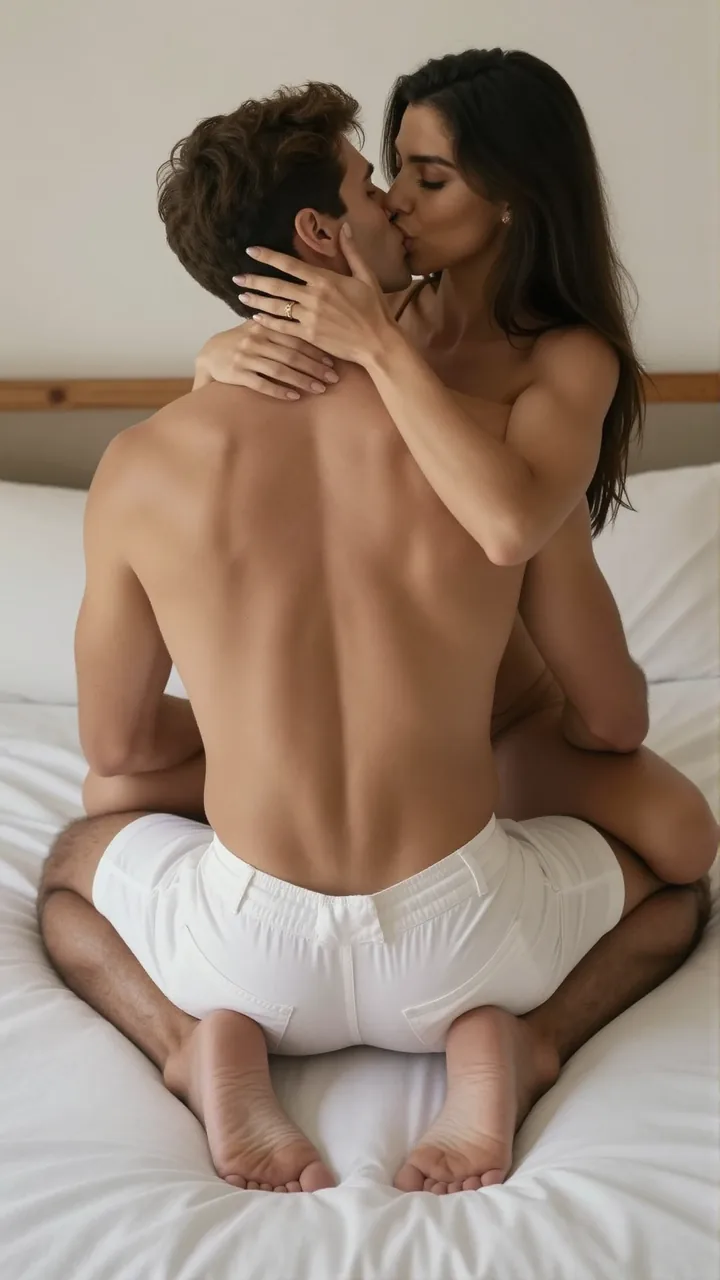
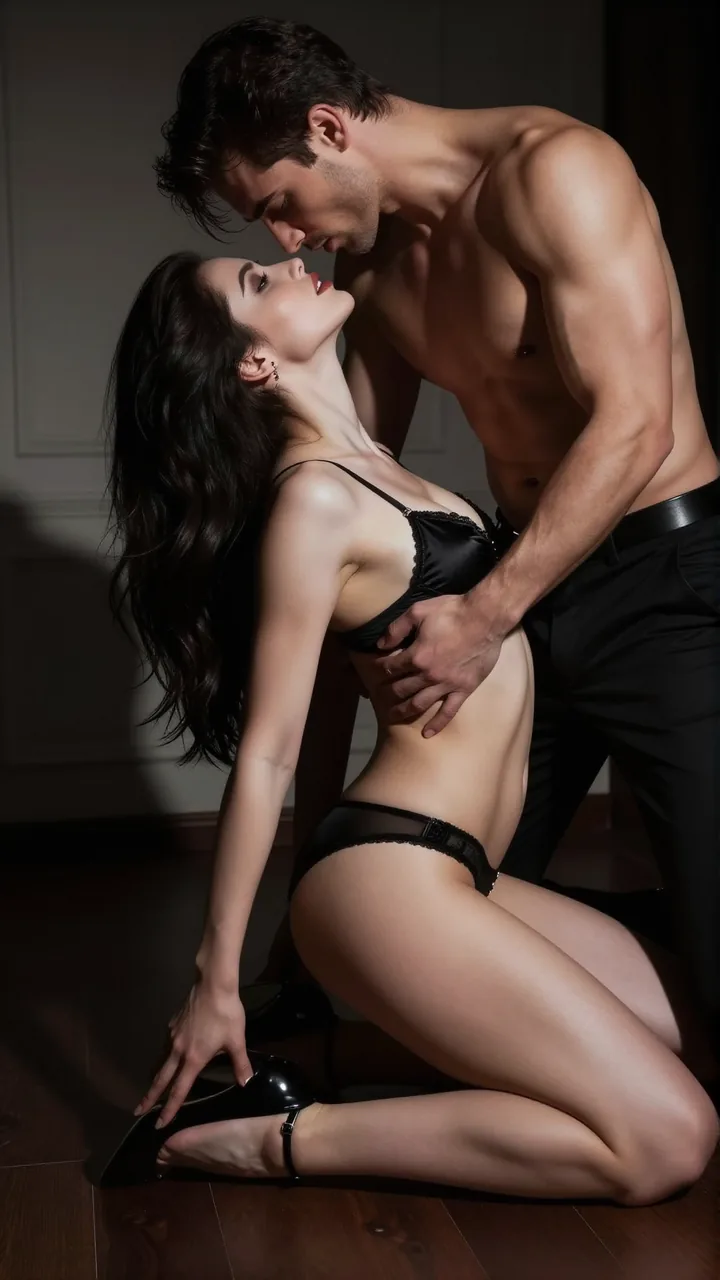
What the Format Looks Like

Build Your First Episode
Start from a character sheet, animate one shot, and let the rest of the episode work from the same face.