How AI Turns a Photo Into a Video
Image-to-video models add motion to a single still. This guide covers what happens under the hood, which pictures work, and how to get a clean result.
What Image-to-Video AI Actually Does
Image-to-video AI takes one picture and predicts how it would move, then renders those frames into a short clip. It is not editing your photo or stripping anything away. The model reads the pose, lighting, and depth in the frame, then animates a believable few seconds of motion around the subject that is already there.
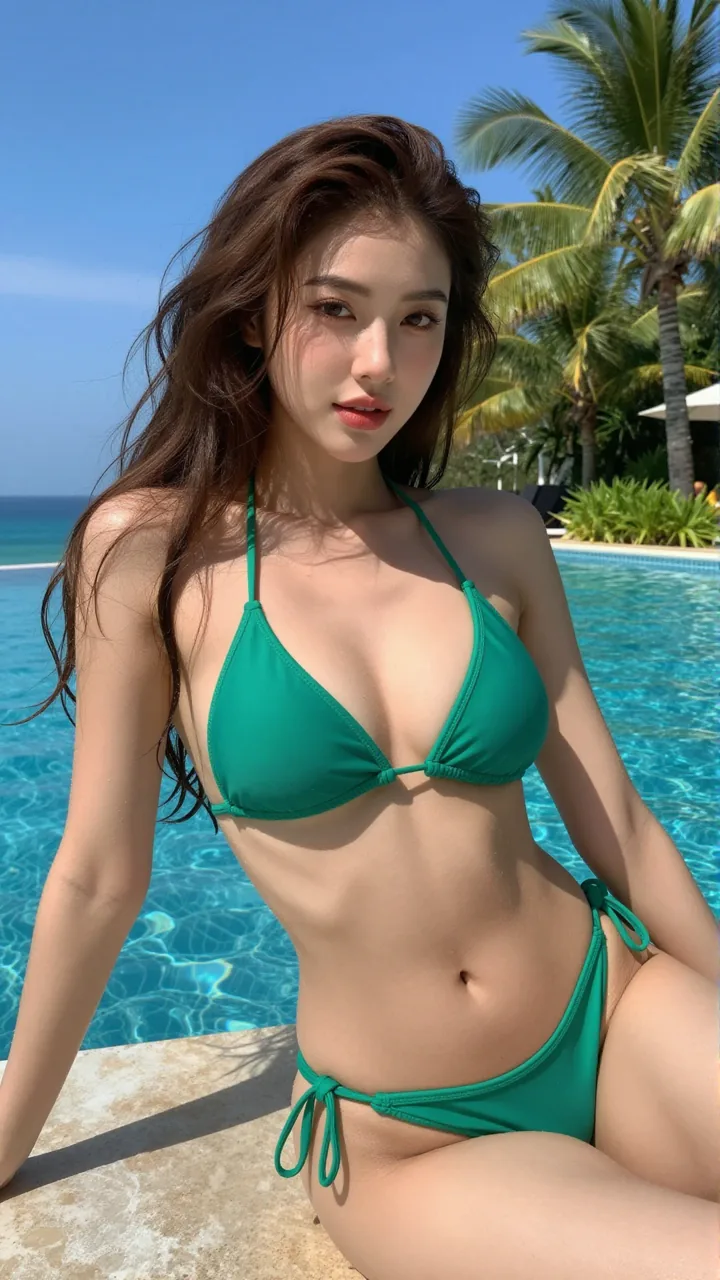
On aiporn.net this runs on AI-generated images of a sexy AI girl, not on photos of real people. Keep your inputs to art you create or images you own.
How a Still Image Becomes Motion
The model maps your image for depth and likely movement, guesses where edges and limbs would travel, and fills the in-between frames. A diffusion pass keeps each new frame consistent with the last, so the face and body stay stable instead of melting from frame to frame.
Most clips run a few seconds at around 24 frames per second. Longer or higher-resolution output usually needs a paid run, since every extra second is more frames to generate.
The Image-to-Video Workflow
Most image-to-video tools follow the same four steps. On aiporn.net the whole flow runs in your browser.
- 01
Pick a Clear Image
Choose an AI image with one sharp subject and even lighting. A busy or blurry source gives the model less to work with.
- 02
Describe the Motion
Add a short prompt for the movement you want, like a slow turn or a gentle sway. Keep it to one or two actions so the clip stays coherent.
- 03
Generate the Clip
The model renders the frames and stitches them into a few seconds of video. A first pass usually finishes in under a minute.
- 04
Review and Download
Watch the result, regenerate if the motion looks off, then download it. Try a new prompt or a longer length on a Pro run.
Which Images Work Best
The input does most of the work. These traits give the cleanest motion:
- One clear subject, centered and in focus
- Even lighting, without harsh shadows across the face
- Some room around the body for movement
- A natural pose rather than an extreme angle
Image, Reference, or Text?
aiporn.net offers three ways to make a clip. Pick the one that matches what you start with.
Image to Video
Best when you already have a still you like and just want it to move.
Open Image-to-VideoReference to Video
Best when you want one character to stay consistent across the whole clip.
Try Reference-to-VideoText to Video
Best when you have no image and want to build a scene from a prompt alone.
Try Text-to-Video
Privacy and Responsible Use
Generations run on AI-created images, so no real person is involved. aiporn.net does not turn a photo of a real individual into explicit video, and it is not an undress or deepfake tool. Stick to AI art you generate or images you own.
Your input stays tied to your session for the generation and is not published anywhere. Treat what you make as private, and never use someone’s real likeness without consent.
Fixing Common Issues
If a clip looks wrong, the fix is usually in the input or the prompt.
Blurry Output
Start from a sharper image. The model cannot add detail the source frame never had.
Stiff or No Motion
Name a clear action in the prompt. "Slow turn toward the camera" beats a vague "move".
Warped Faces
Use a front-facing pose and avoid heavy crops. Extreme angles confuse the motion map.
Clip Too Short
Free runs cap the length. A Pro run unlocks longer clips and higher resolution.
Image-to-Video FAQ
Turn Your Image Into a Clip
Pick a clean AI image, describe the motion, and generate a few seconds of video right in your browser.